For dairy goat keepers on iPhone

Every doe,
every date.

Track heat, breeding and kidding for every goat in your herd, with a reminder before each date that matters.

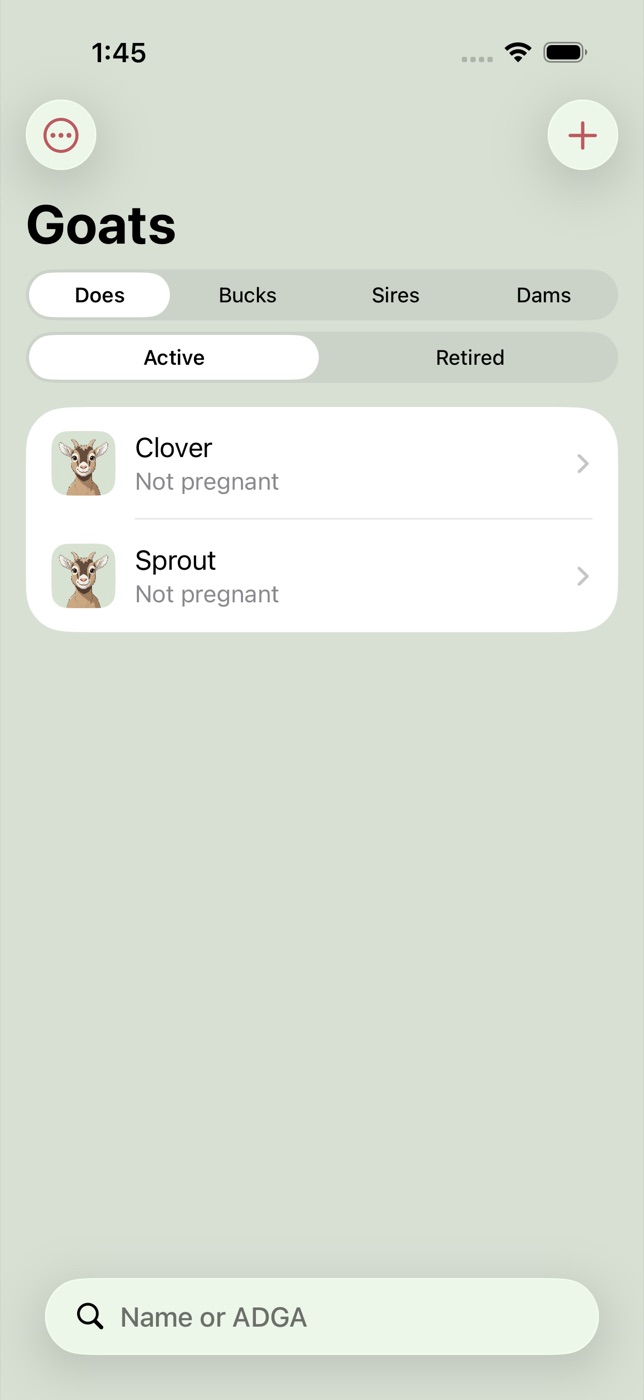
Does list: Clover due to kid, Hazel’s next heat and an overdue Bo-Se shot, Juniper bred and due back in heat
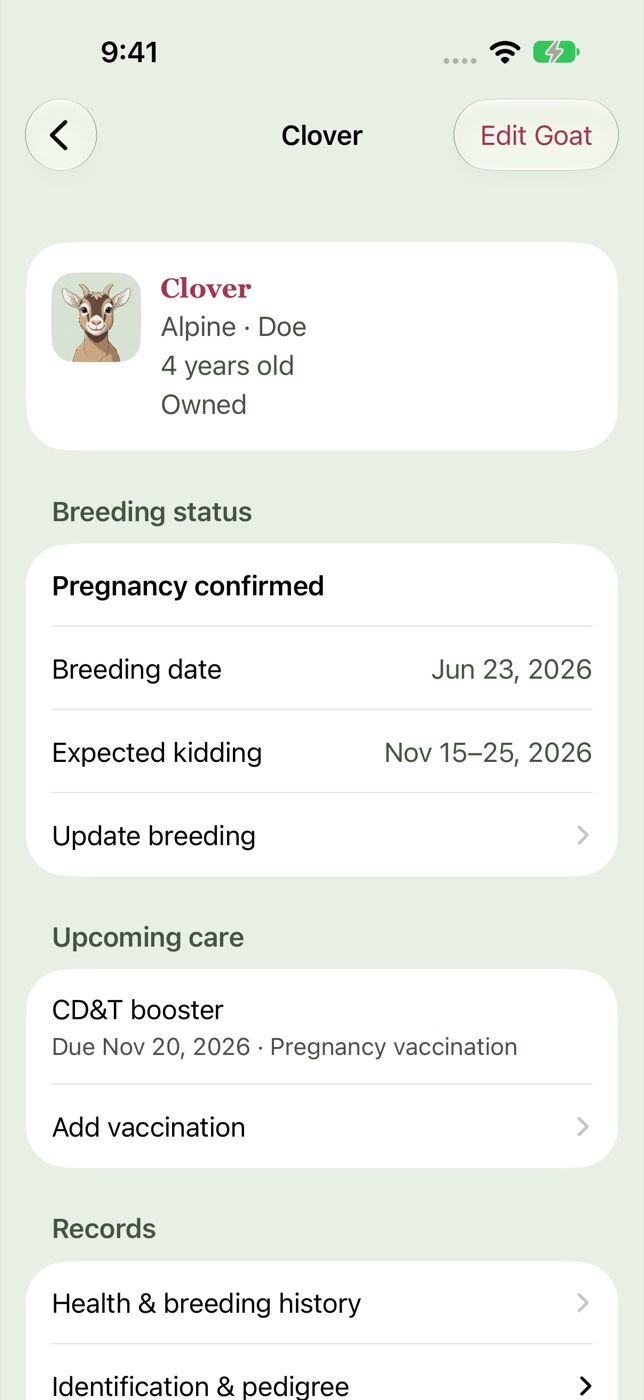
Clover’s page: pregnancy confirmed, her expected kidding window and a CD&T booster due
Cartoon Guernsey, Alpine, Saanen, Nubian, Oberhasli, LaMancha and Sable does standing in a line

Heat and kidding

See who is coming into heat and who is due, with a reminder in time to act.

Scan the papers

Photograph an ADGA certificate and check what the app read before you save.

Share the herd

Family see the same goats from their own iPhone, and can help if you let them.

Herd

Find any goat fast, and know what’s next for her.

Does, bucks, sires and dams sit in one list. Each row says what’s coming up: a heat, a kidding window, a shot that’s due.

  • Search by name or registration number.
  • Filter to does, bucks or retired goats.
  • Retire a goat without losing her history.
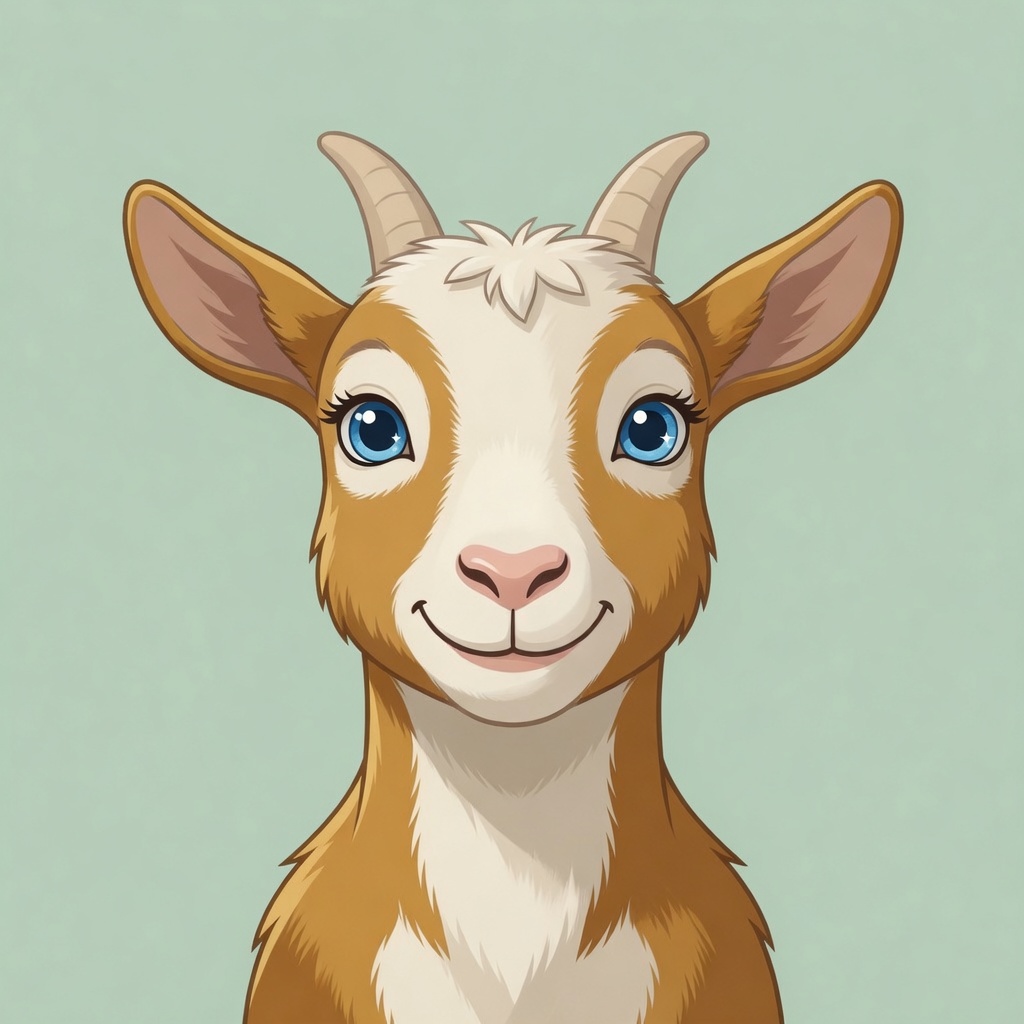
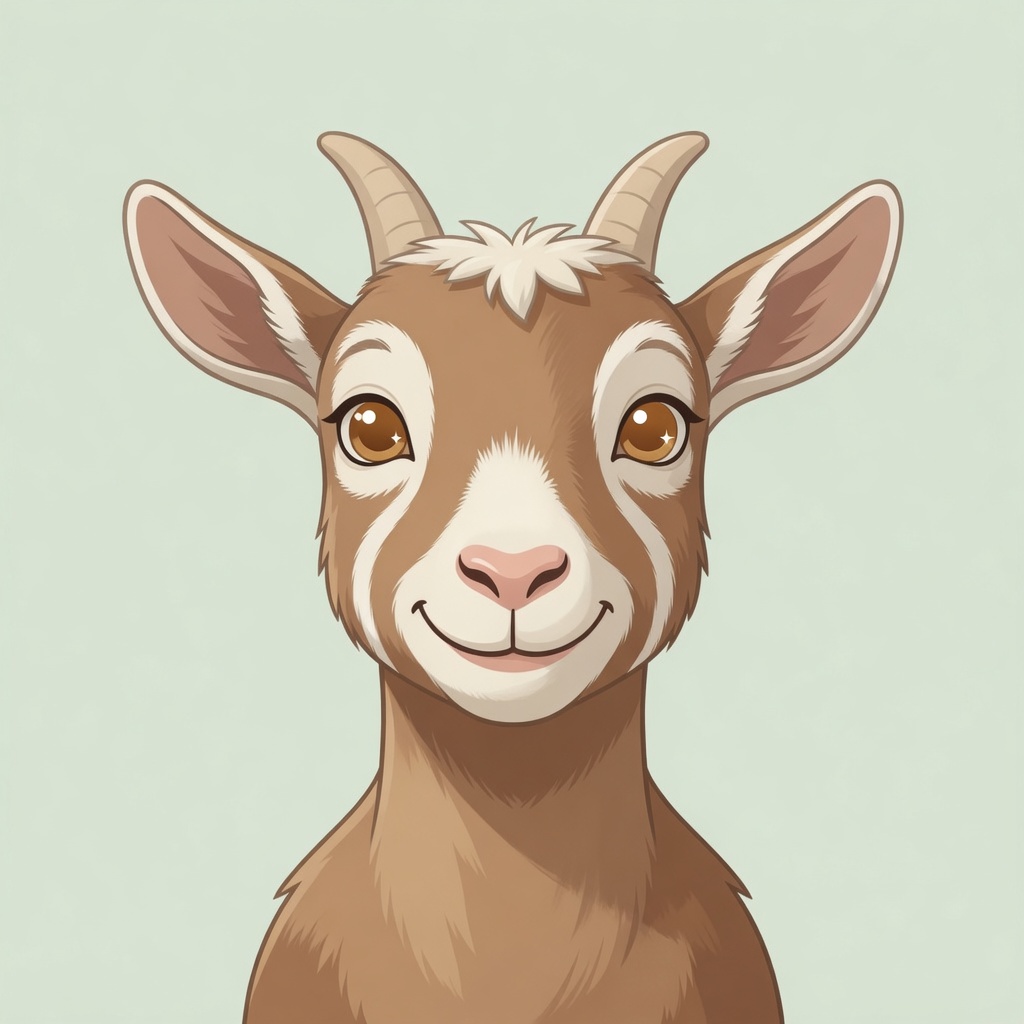
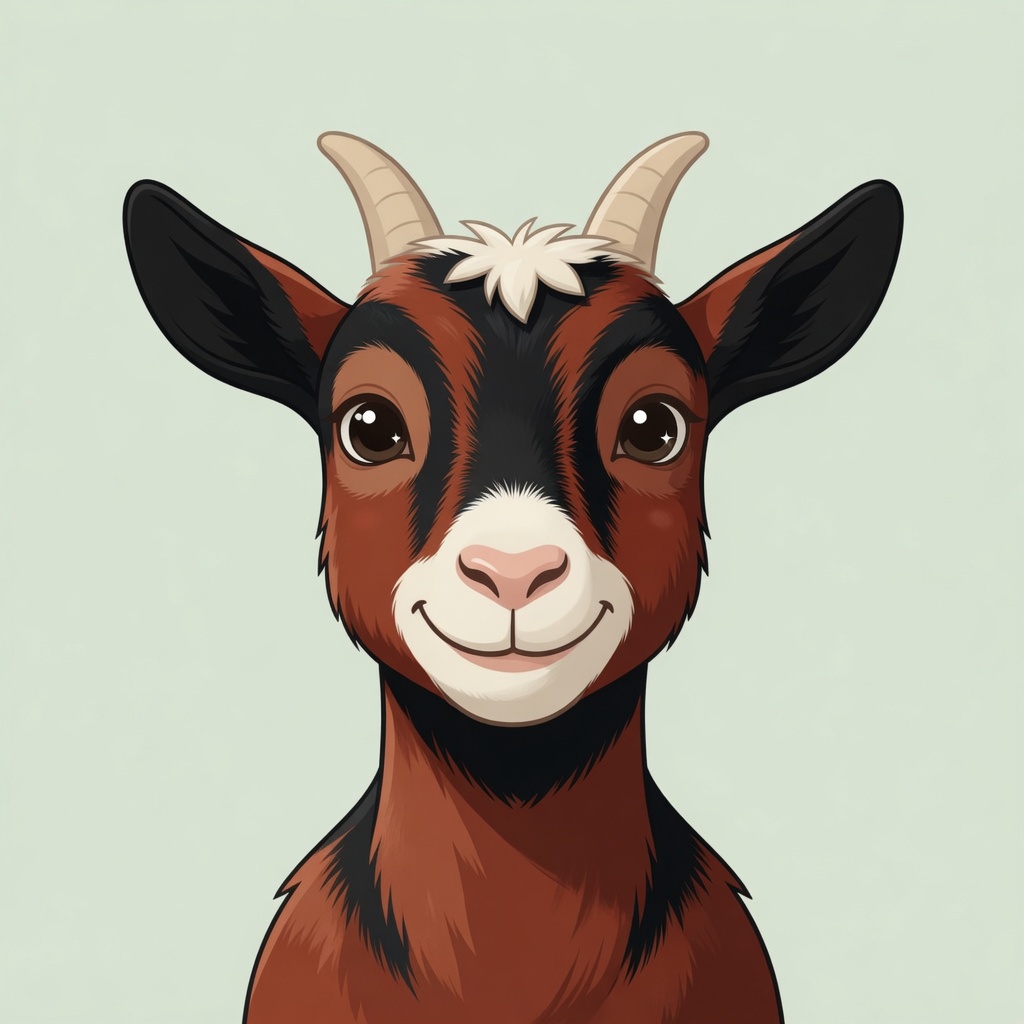
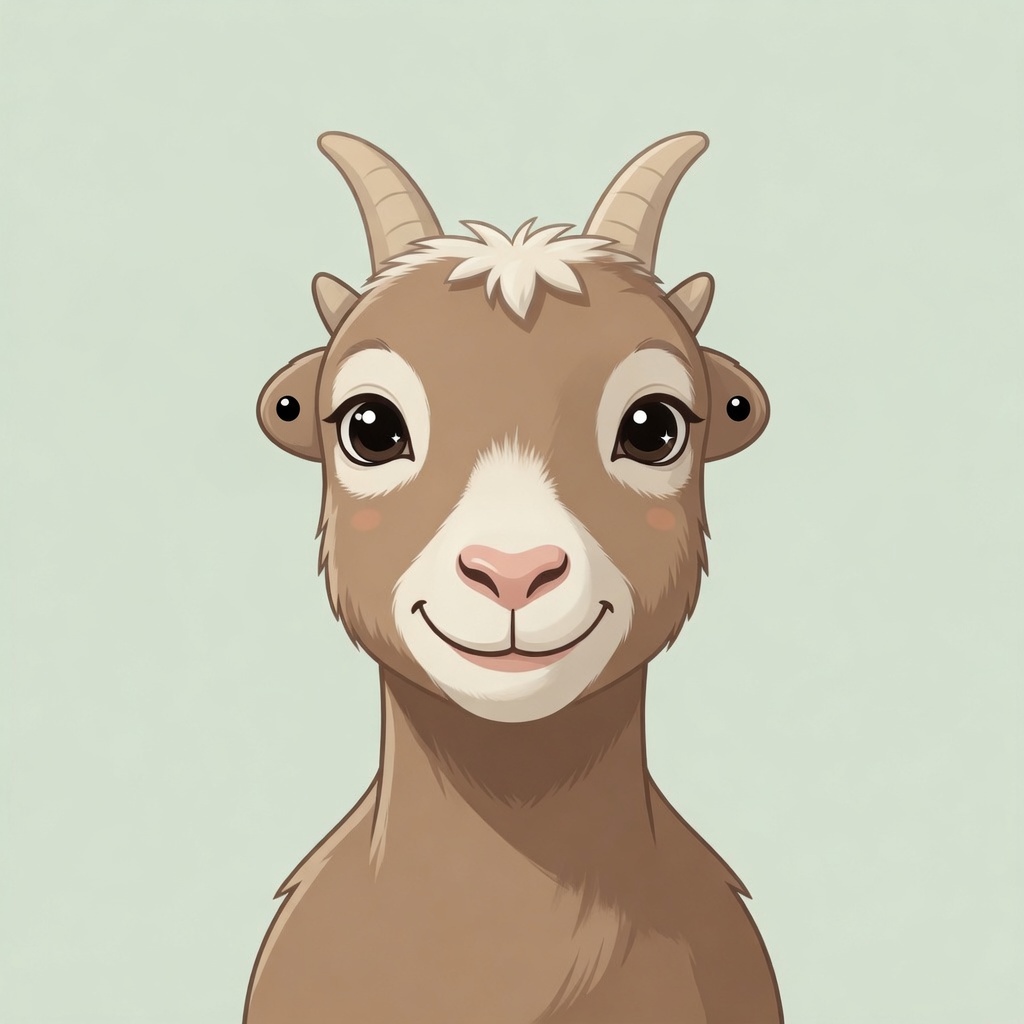
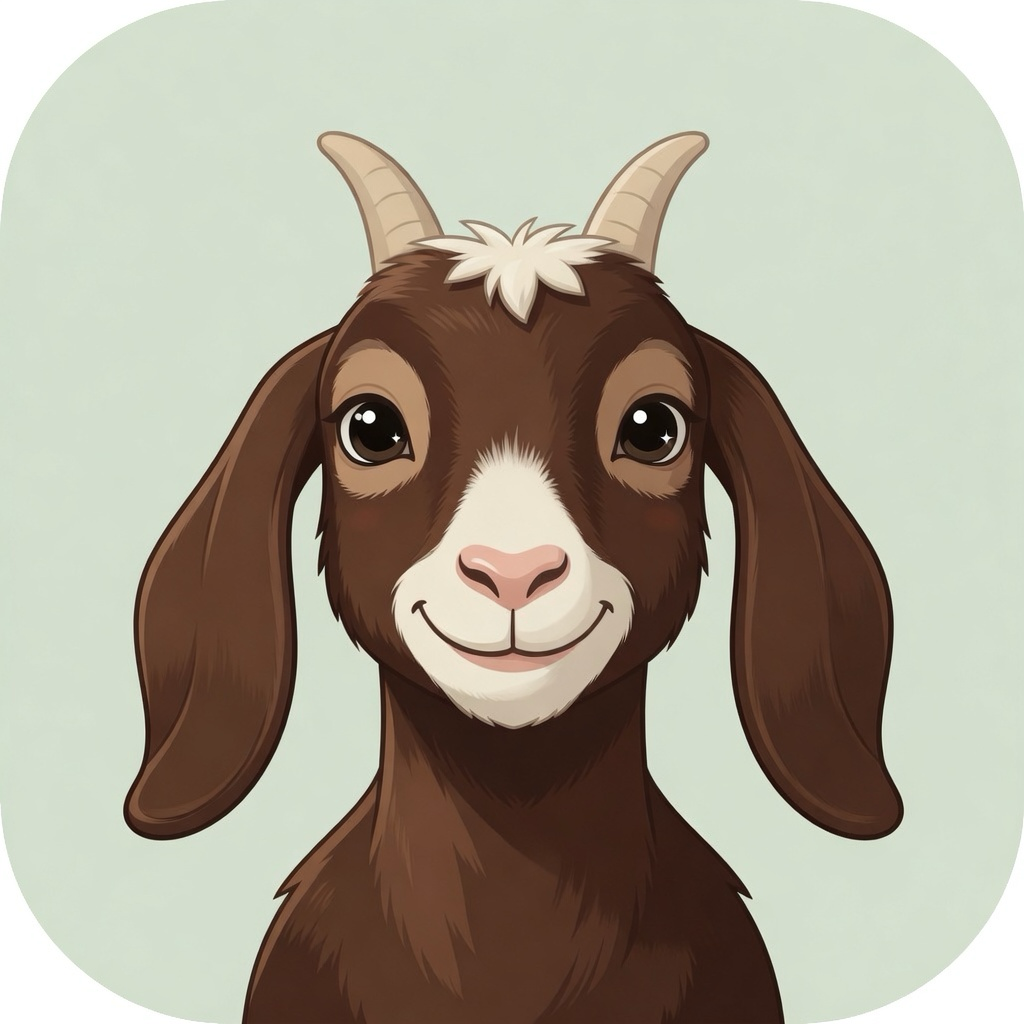
  • Give each goat a breed cartoon or her own photo, and a name colour and font.
  • Alpine
  • Nubian
  • Nigerian Dwarf
  • Toggenburg
  • Oberhasli
  • LaMancha

Papers

Add a goat by scanning her ADGA paper.

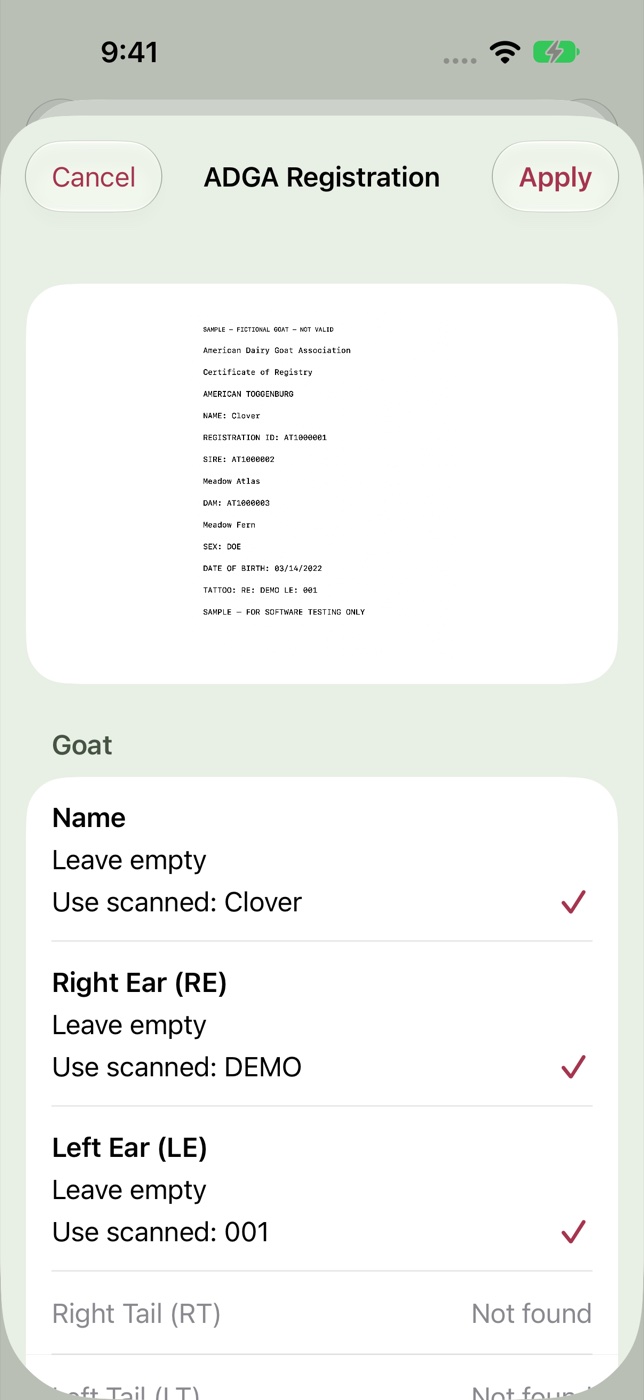
Photograph her Certificate of Registry, or pick a photo. The app reads it on your iPhone and fills in what it finds.

  • Name, registration ID, breed, sex, birthday, tattoos, sire and dam.
  • You check each value before anything is saved.
  • Match her sire and dam to goats already in your herd.
  • The photo stays with her record. Too blurry to read? Attach it and type the rest.
Review of a scanned sample certificate: use the scanned name Clover and ear tattoos, or leave each empty

Breeding

From heat to kidding, without the barn calendar.

Hazel’s page with her expected heat and an overdue Bo-Se shot

Heat

Know who is coming into heat.

See her next heat window and get a reminder a few days before. If a breeding doesn’t take, she’s expected back a cycle later.
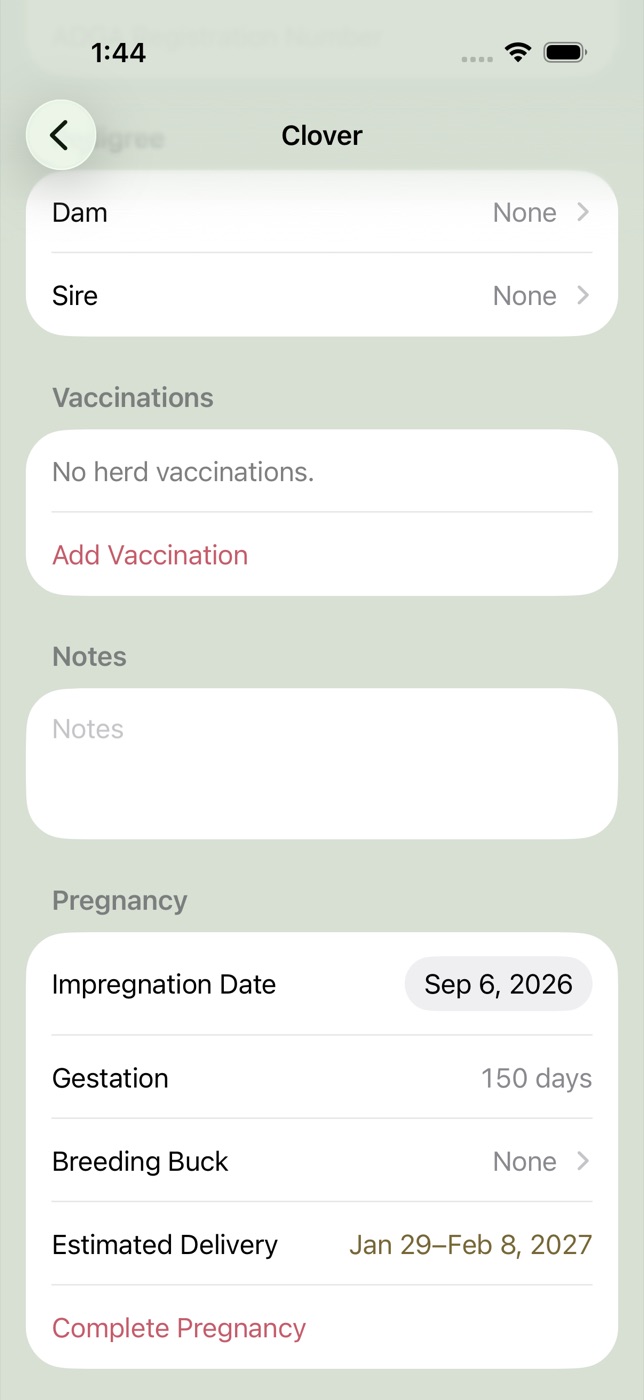
Clover’s breeding: live cover by Atlas, confirmed, 150-day gestation and expected kidding window

Pregnancy

A kidding window, not a guess.

Record live cover or AI and the buck. You get a range of likely kidding days for her breed, and a reminder before it starts.
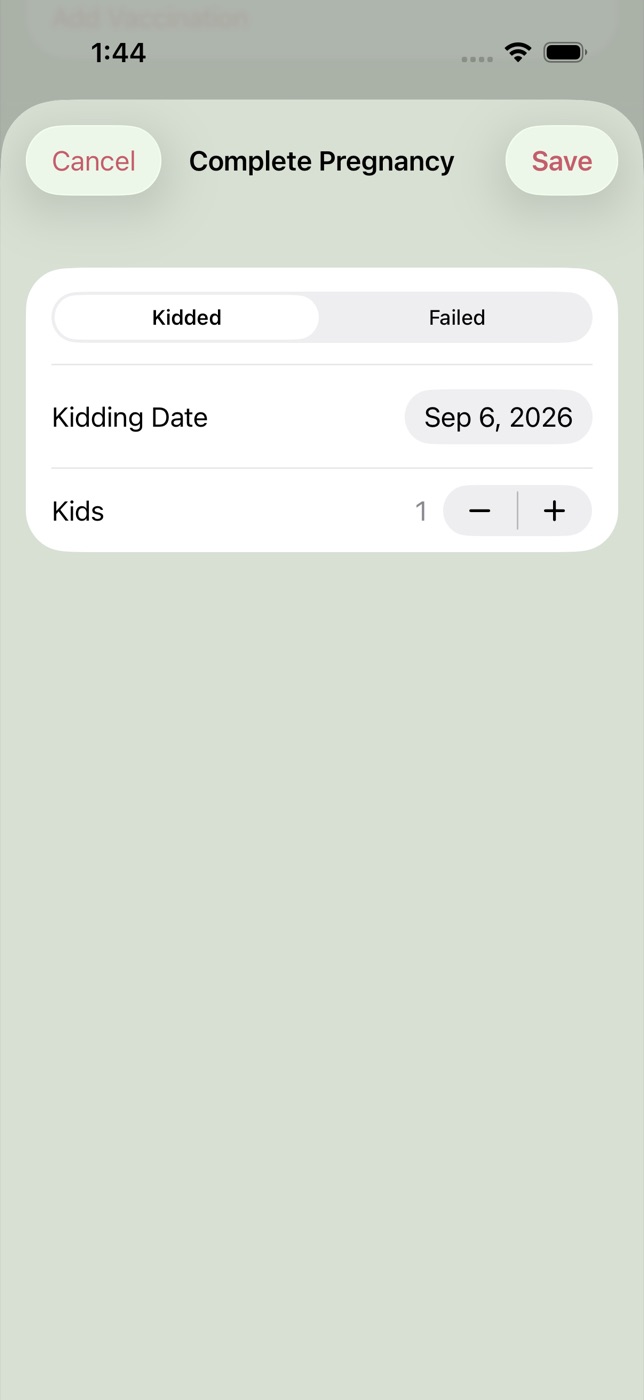
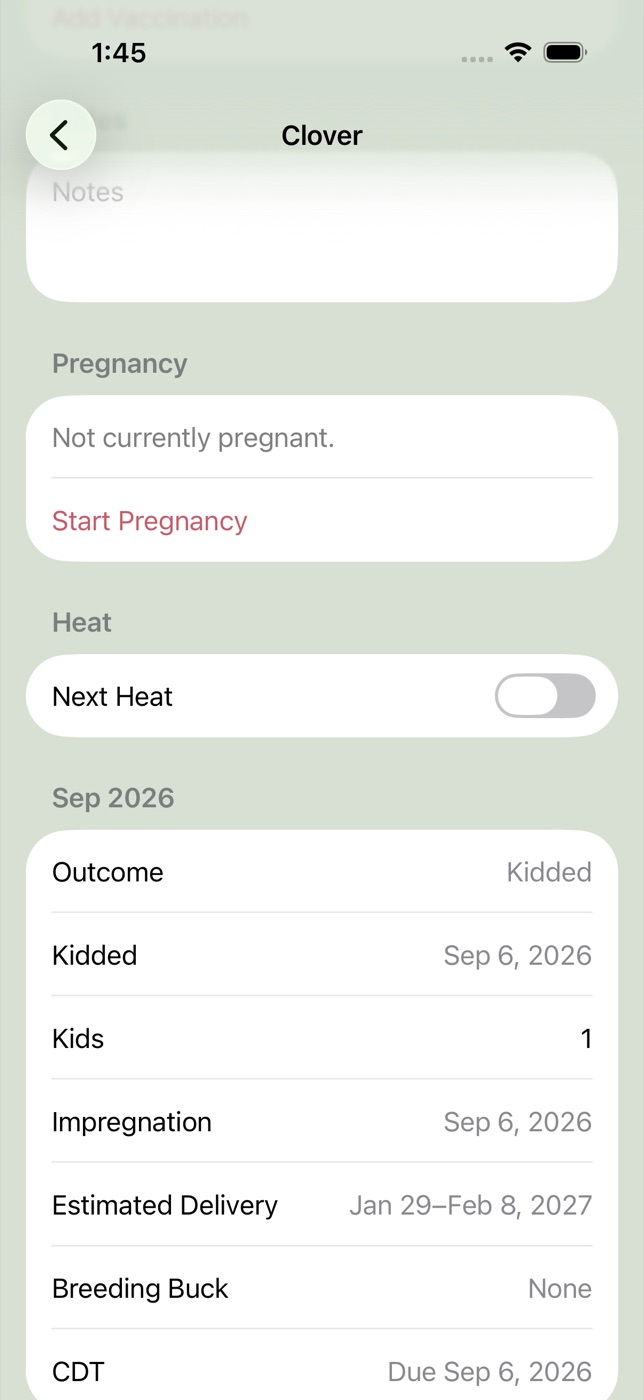
Record outcome: kidded, the birth date and two kids born

Kids

Record the kidding.

Count the kids born, then add each one by name. Dam and sire are filled in, and if you track freshening, her count goes up.

AI

Know what’s in the tank.

Add each AI tank and its canisters, file your canes, and record each lot of straws by sire. Record an AI breeding from a lot, and its straws come off the count.
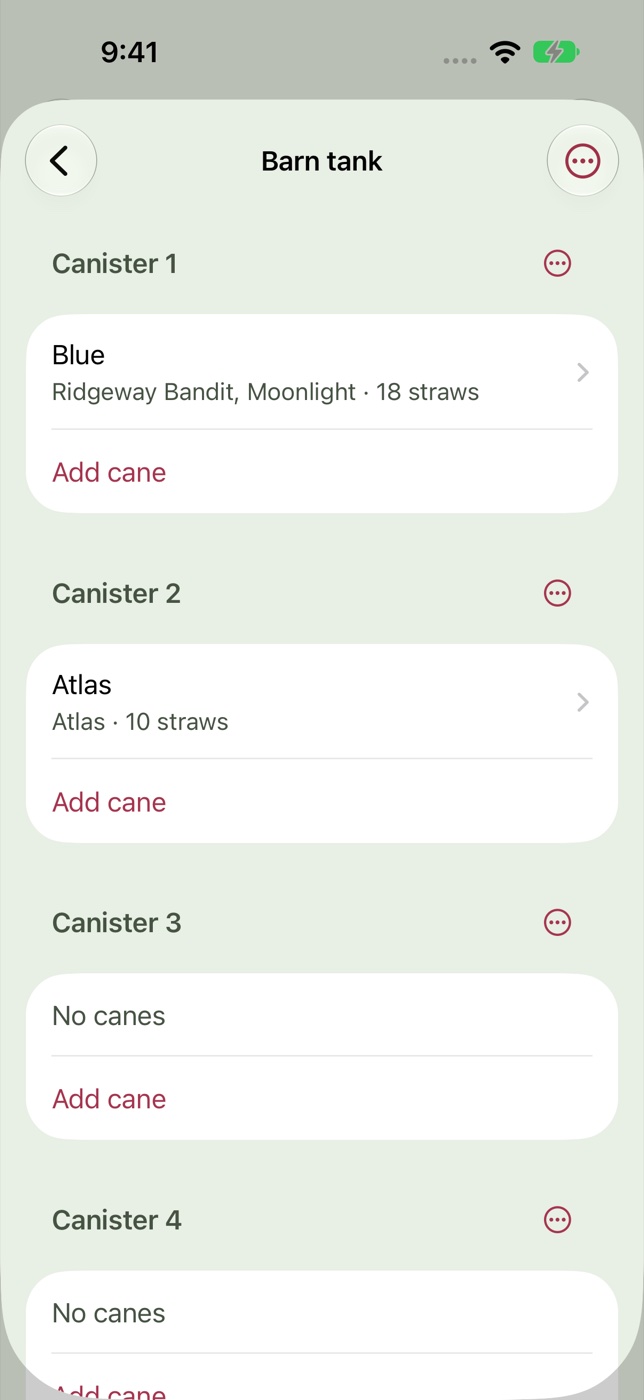
  • Search by sire to find the tank, canister and cane.
  • Record straws used, wasted or gone.
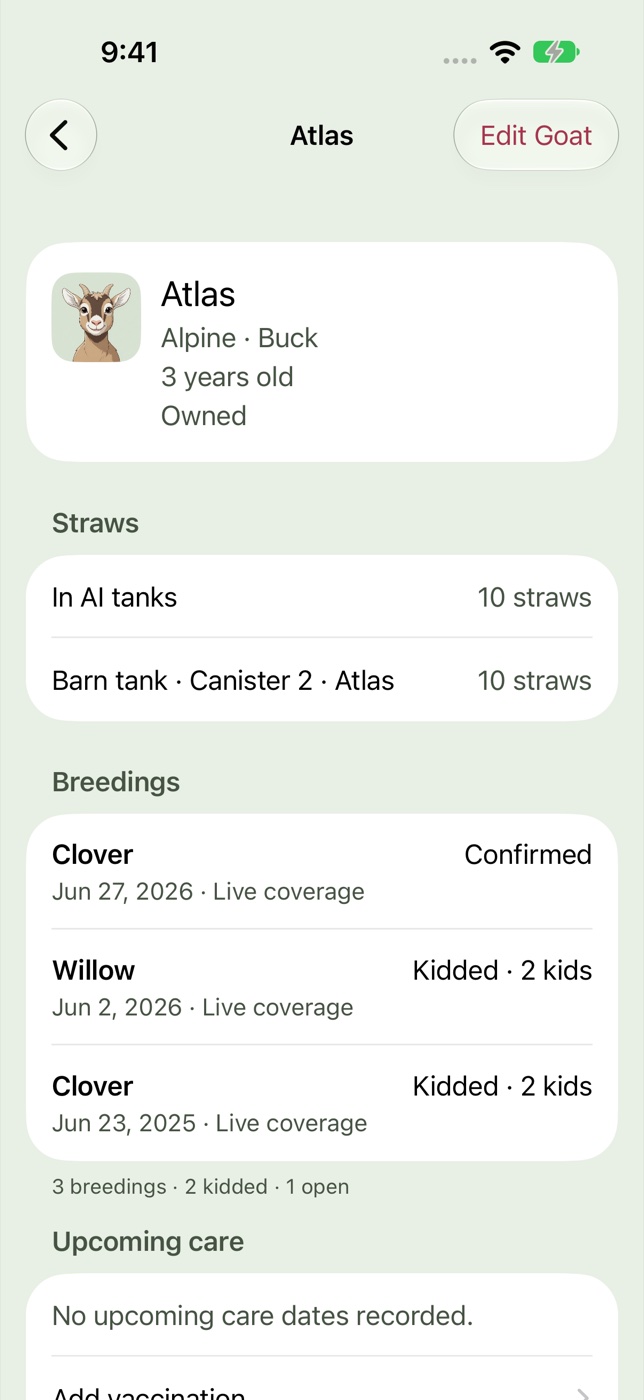
  • Each buck’s page shows his straws and every breeding he’s on, AI or live cover, with how it turned out.
  • Shared with family, like the rest of the herd.
Barn tank by canister: the Blue cane holds 18 straws from Ridgeway Bandit and Moonlight, and the Atlas cane 10 from Atlas
Atlas’s page: 10 straws in the barn tank, and his breedings with Clover and Willow: one confirmed and two kidded with twins

Care

Every shot on time.

Record herd shots on the goat and pregnancy shots on that breeding. Names you’ve used before are offered, so CD&T is one tap.
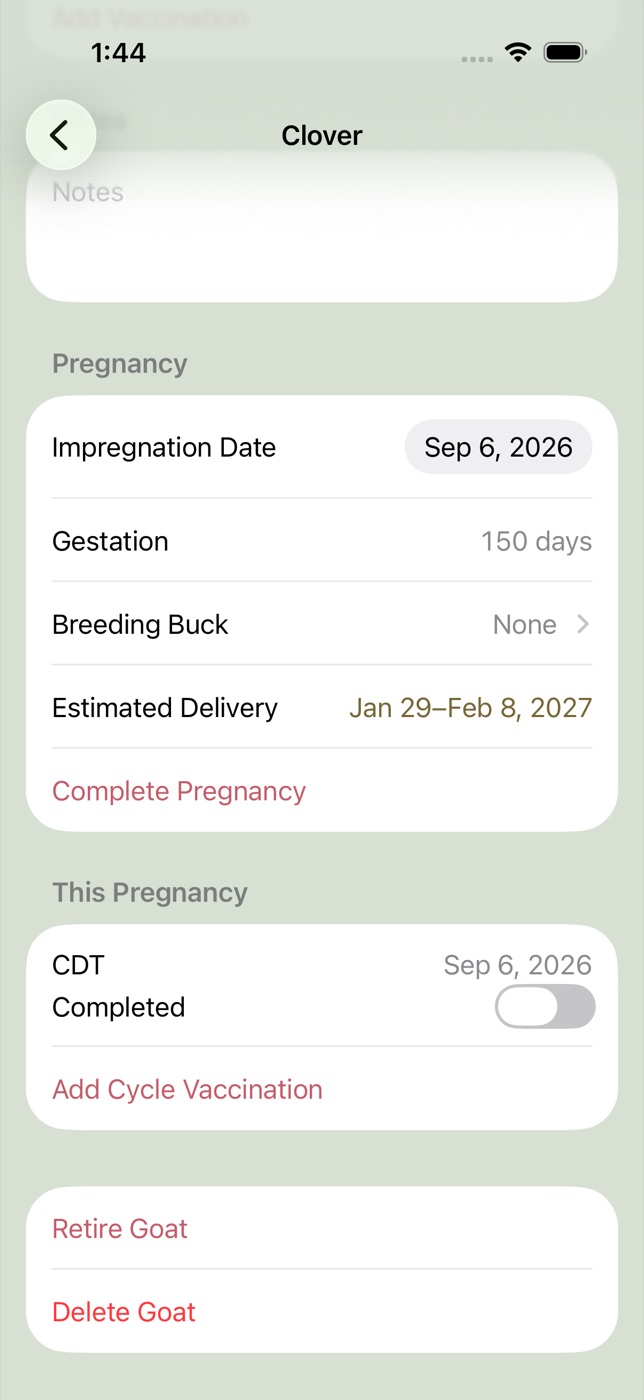
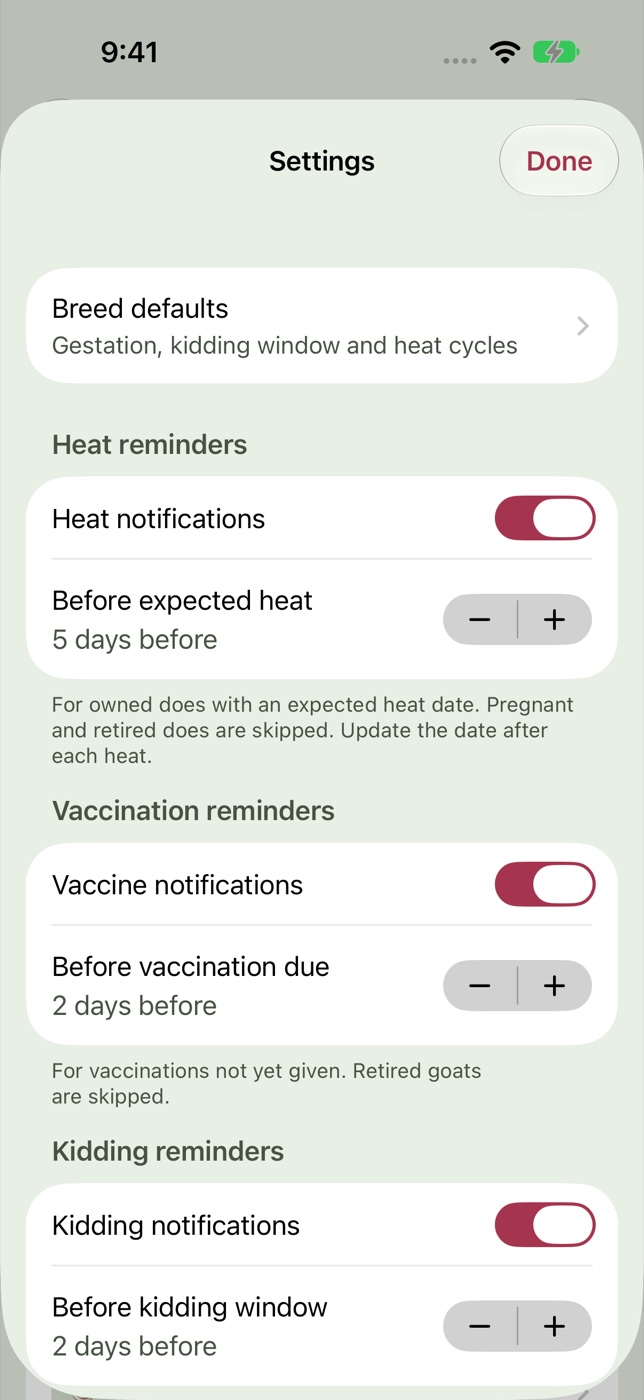
  • A reminder before each shot is due.
  • Overdue shots stand out in the herd list.
  • A warning if a buck is already in her family. It never stops you saving.
Clover’s vaccinations: a CD&T booster due for this pregnancy, and selenium and vitamin E given
Settings with breed defaults and heat, vaccination and kidding reminders

Sharing

Share the herd with family.

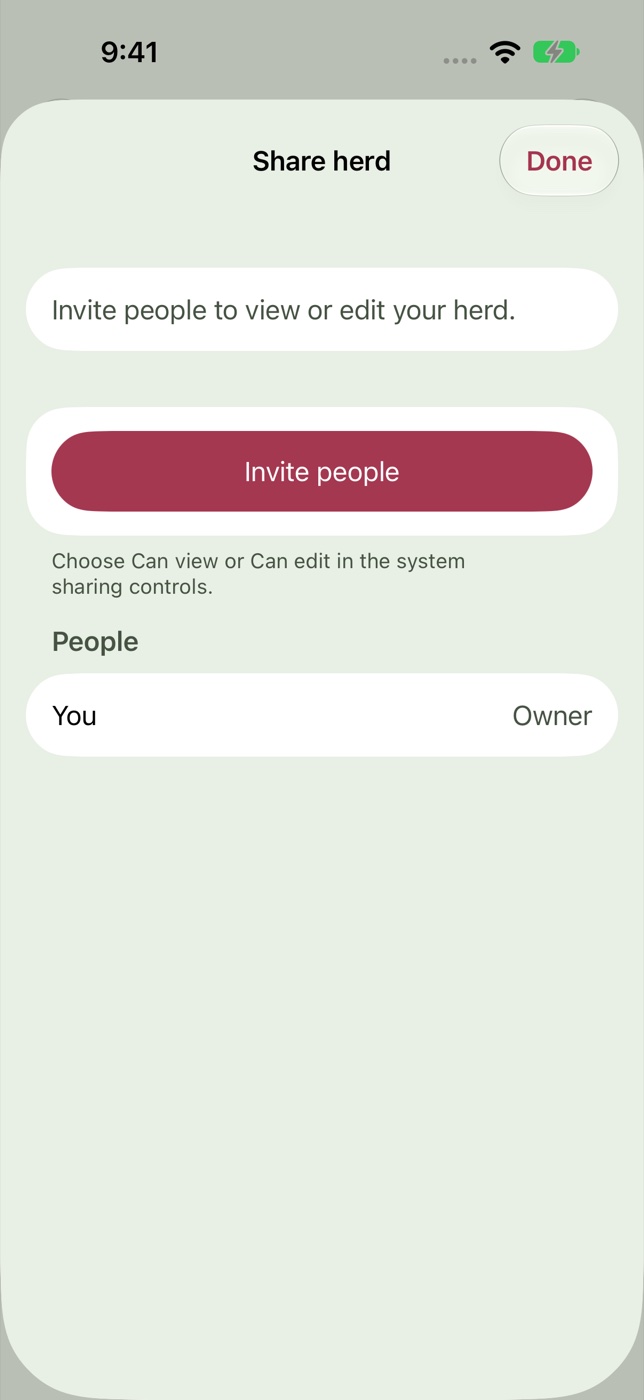
Invite someone and they sign in with their own Apple ID to see the same goats. You choose whether they can only look, or help edit.
  • Everyone works on the same records, not a copy.
  • Lock the app with Face ID if you like.
Share herd: invite people to view or edit your herd

Your herd lives in your iCloud.

Goats, records and the papers you scan stay on your iPhone and in your own iCloud. Sign in with Apple; there’s no separate account to make.

Put the herd on the calendar.

Download You Goat Girl for iPhone, sign in with Apple and add your first doe.

Download on the App Store